Maintenance
Routine maintenance is about keeping the control plane healthy without deleting data that a release or backup still needs.
Disk space
Section titled “Disk space”df -h /var/libdocker system dfsudo du -sh /var/lib/shipper /var/lib/docker /var/log 2>/dev/nullFree space without deleting application data:
- Open System → Maintenance and review eligible cleanup. It can remove abandoned uploads, provably orphaned owned images, and old deployment logs while protecting recorded releases.
- Remove old application images only after confirming no recorded release needs them.
- Rotate or vacuum host logs outside Shipper.
Do not run docker system prune --volumes or docker volume prune. They can remove volumes that Shipper protects deliberately.
Storage warnings
Section titled “Storage warnings”A storage reading below 512 MiB or 10% warns. Below 128 MiB, new build preparation is blocked. Builds remain serialized.
Shipper’s data-filesystem check measures the filesystem containing Shipper metadata. It does not claim to measure a remote Docker daemon’s disk or the Docker Desktop VM.
Cleanup and retention
Section titled “Cleanup and retention”Cleanup is reviewed, queued, and revalidated immediately before execution. Daily eligible cleanup is explicitly opt-in. It covers:
- Abandoned uploads older than a day.
- Provably orphaned owned images older than a day.
- Deployment logs older than 30 days.
Serving-release logs, the newest ten operations per application, and uncertain or interrupted task evidence are retained. All recorded image references, containers, volumes, and certificates remain protected.
There is no global Docker prune and no direct manipulation of Docker log files. Existing per-instance BuildKit garbage collection retains its declared cache policy.
Repair the proxy
Section titled “Repair the proxy”Open System → Maintenance → Repair proxy. Review the current effects, then apply. The repair queues work through the existing worker, checks for a changed review, and reuses normal proxy ownership and validation.
Repair preserves application containers and certificate storage. It cannot run arbitrary host commands or repair unsupported Docker or OS configurations.
Host status
Section titled “Host status”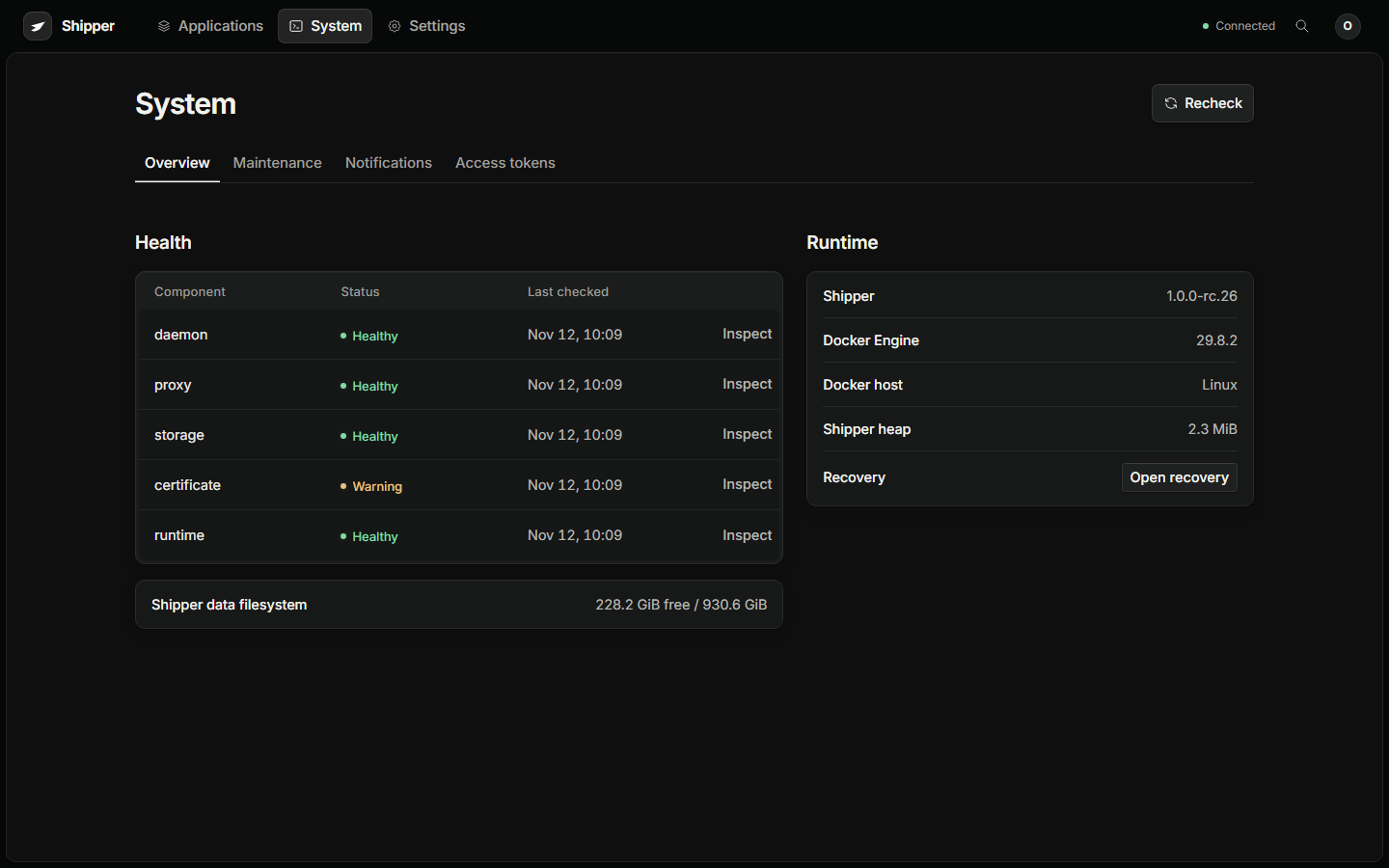
The host status collector reports:
- Whether Docker and Shipper are enabled and running at boot.
- Whether a reboot is required.
- Whether the distribution security update service is enabled.
- Whether the system clock is synchronized.
- Whether the update helper is ready.
These are observations, not automatic repairs. Host OS and Docker patch policy remain operator managed.