Environment variables
Application configuration lives with the application. Shipper stores variable names and scopes, applies changes through review, and restarts or redeploys as needed.
Scopes
Section titled “Scopes”| Scope | Available during build | Available at runtime | Rebuild needed to change |
|---|---|---|---|
| Build | Yes | No | Yes |
| Runtime | No | Yes | No, apply and restart |
| Both | Yes | Yes | Yes |
Use Runtime for database URLs, API keys, and feature flags the running process reads. Use Build for values a Dockerfile or Railpack step needs. Use Both only when both phases need the value.
A build variable can be baked into an image layer. Treat it as public if the image is ever pushed. A secret that must not appear in a layer belongs in a secret mount, not an ARG.
Add variables
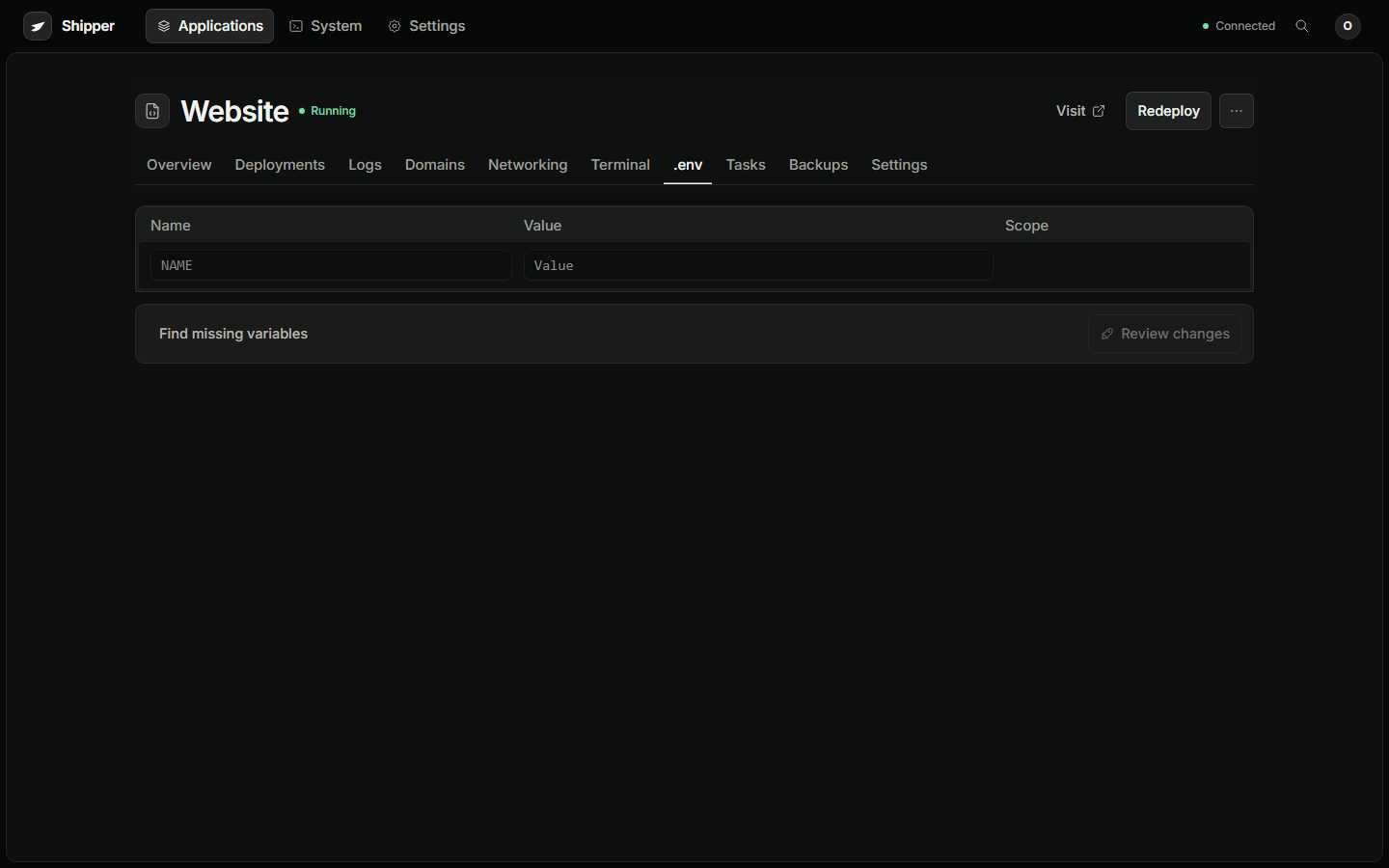
Section titled “Add variables”Open the application and choose .env.
- Add a variable name and value.
- Choose the scope.
- Mark passwords, tokens, connection strings, and private keys as secrets.
- Choose Review changes.
- Review the effect list.
- Apply.
You can also paste a .env file and add detected values. Review the detected list before applying. A pasted file is a convenience, not a trusted source of secret-free content.
Variable names should be valid environment names. A blank value is not a valid secret. Remove the variable instead of leaving an empty secret in place.
Compose variables
Section titled “Compose variables”A Compose application can have application-level variables shared by the stack and service-level variables scoped to one service.
A service-level variable overrides the application-level value for that service. Compose initialization variables such as POSTGRES_PASSWORD can be inherited from the service’s actual environment, but initialization values are not proof that the password is still current.
For a database password that changed after initialization, set the current credential explicitly. A _FILE secret or a custom image may need an explicit value.
Review and apply
Section titled “Review and apply”- A runtime-only change can reuse the pinned image.
- A build-scope change requires a new build.
- A change to a Compose service variable can require that service to be recreated.
If the application reads configuration only at startup, a restart is required even for a runtime value. If it watches its environment, the process still needs the new environment from the container runtime.
Rotate a value
Section titled “Rotate a value”- Create the new credential at the provider.
- Add or update it in .env and apply the change.
- Restart or redeploy the application.
- Verify the application uses the new credential.
- Revoke the old credential at the provider.
- Remove the old value from any local
.envfile.
For a database password, create the new password or user first, update the application secret, apply and restart, verify connections, then remove the old password.
Instance environment
Section titled “Instance environment”Shipper itself reads SHIPPER_* and Docker variables from its process environment. On a managed install, the control-plane Compose file and /etc/shipper/instance.env define the image and Docker socket group.
See Instance variables for the complete reference.